Everything you would otherwise carry in your head
The whole app, sorted by what it solves. You only see what your family uses. The rest is off until you choose it.
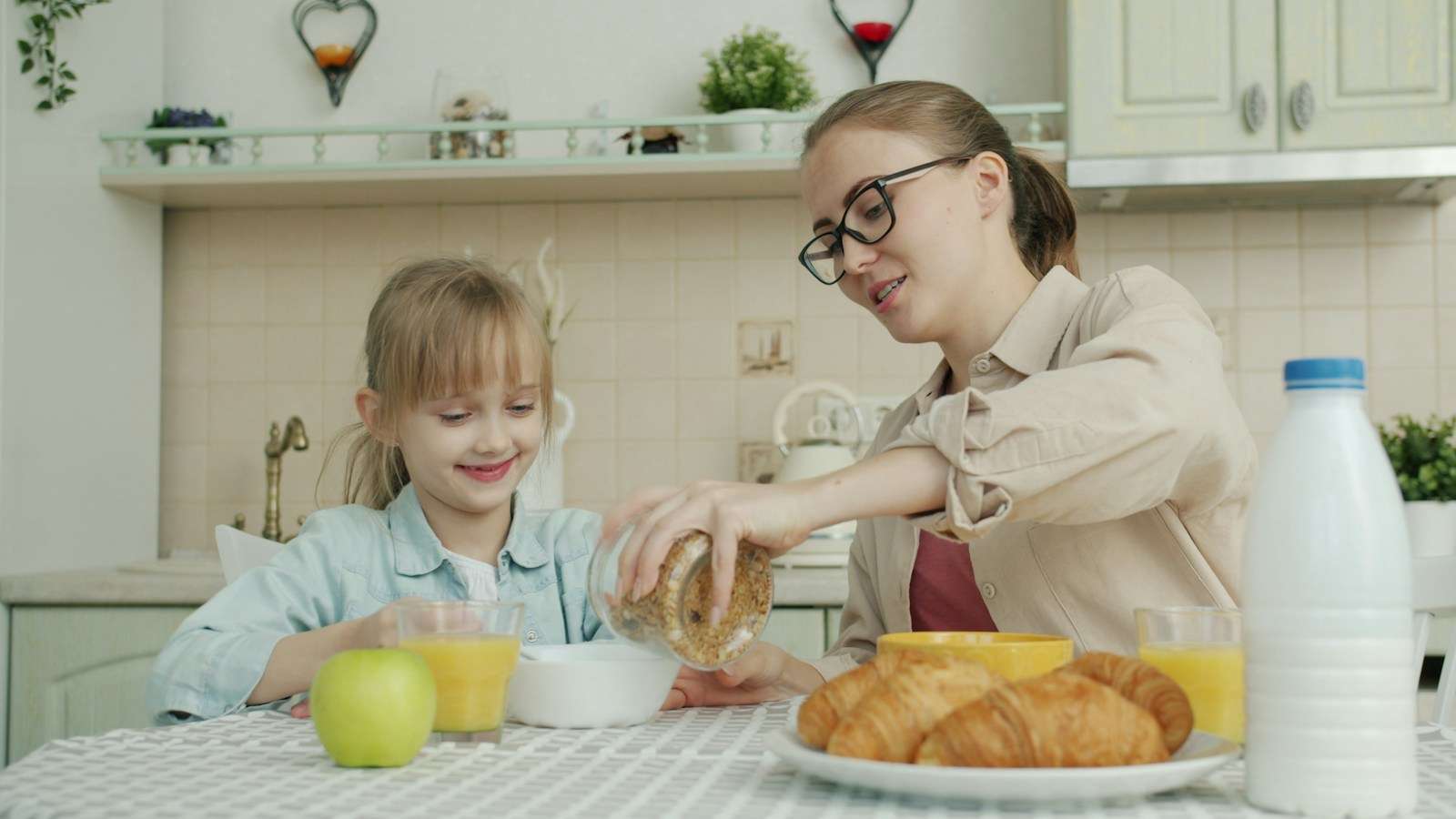
“Who’s picking up today?”
The family calendar that answers before you ask
Today and Plan: who has the children, who picks up and what to pack.
Today
The front page answers three things without a tap: who has the children, what is happening now and next, and what is waiting for you.
Timeline with a NOW line · “Bring” for each child · Who picks up and who drives
Plan for the week and the month
See the week or the whole month with activities for each child. Filter on one child or only your own things.
New activity in three taps · Filter per child and “Only me” · Delete with undo
Recurring activities
Football every Tuesday and swimming every Thursday are written once. After that they are simply there every week.
Who drives and who picks up · What goes in the bag

“Do we have milk?”
A shared shopping list and meal plan for the family
One shopping list everyone can see, and a meal plan that knows how many are eating.
The shopping list
The home’s shared list. Add the item when you think of it and tick it off in the shop.
Add in two taps · Undo instead of “Are you sure?” · Clear the ticked items in one tap
Your own lists
Make lists for everything else: the holiday, the presents, the jobs in the garden.
Only the adults in the home see them · As many lists as you like
Meal plan
One dish per evening. The app works out from the calendar how many are at the table and who is cooking.
Ingredients go on the shopping list · Last week’s dishes as suggestions · Save your own recipes

“Wasn’t that in a text somewhere?”
With Famhood, two homes don’t drown you
Changeover days, handovers and changes, so nothing is lost in a text thread. Only shown when the children live in two places.
Changeover day
The app knows your schedule and shows where the children are today and when they change homes next.
“Changes Monday · to Jonas” on the front page · Each parent has a colour in the calendar
Handover
One message at every changeover with what the other parent needs to know. Not ten texts spread over the week.
One section per child · The draft saves itself · You can see when it has been read
Changes and holidays
Propose a few hours or whole days. The other parent answers Yes or No, and only after a yes does the plan change.
Answer in two taps · Can be withdrawn until it is answered · Holidays work the same way

“Who paid the club fee?”
Shared expenses for the children, without a spreadsheet
Expenses per child and one balance between two homes, so nobody has to do the maths. Only shown when the children live in two places.
Expenses per child
Enter the amount and choose the child. Attach the receipt as a photo, so you can both see it.
The split can be set per expense · Receipt as a photo
Balance
One number that is always right: who owes whom, and how much.
Calculated to the penny · Updated with every expense
Settling up
When one of you has paid the other, you settle and start from zero. The history stays.
Old expenses are not deleted · Totals per category

“What did the doctor say last time?”
Everything about each child, in one place
Fact sheet, logbook and cases: doctor, allergies, sizes and what the doctor said last time.
Fact sheet
One sheet per child in five sections with what you are always looking for: doctor, allergies, medicine and sizes.
Shows who edited it last · Helpers see what they need
Logbook
Notes per topic. Write down what happened while you remember it. Earlier versions are kept.
Private or shared, you choose every time · Photos on notes · Can be locked with a code
Cases
When something becomes an ongoing matter, a case keeps notes, tasks and contacts in one place.
Tasks you can tick off · Contacts for the doctor, school and others

“Have you brushed your teeth?”
Chores, pocket money and routines on the children’s own page
Chores with stars and pocket money, routines one step at a time and a greeting home.
The child’s own screen
A parent makes a six-digit code, and the screen is connected. The child gets no account and no email.
Only for looking and ticking off · No messages, notes or money between adults · Can be turned off again
Chores
Write your own or pick from suggestions. The child ticks off, and an adult approves.
Ring, streak and stars · Approve in one tap
Pocket money
Choose between four rules for how chores and pocket money are linked. The app does the sums, and you mark when it has been paid out.
A shared goal to save up for · Paid out keeps track of the rest
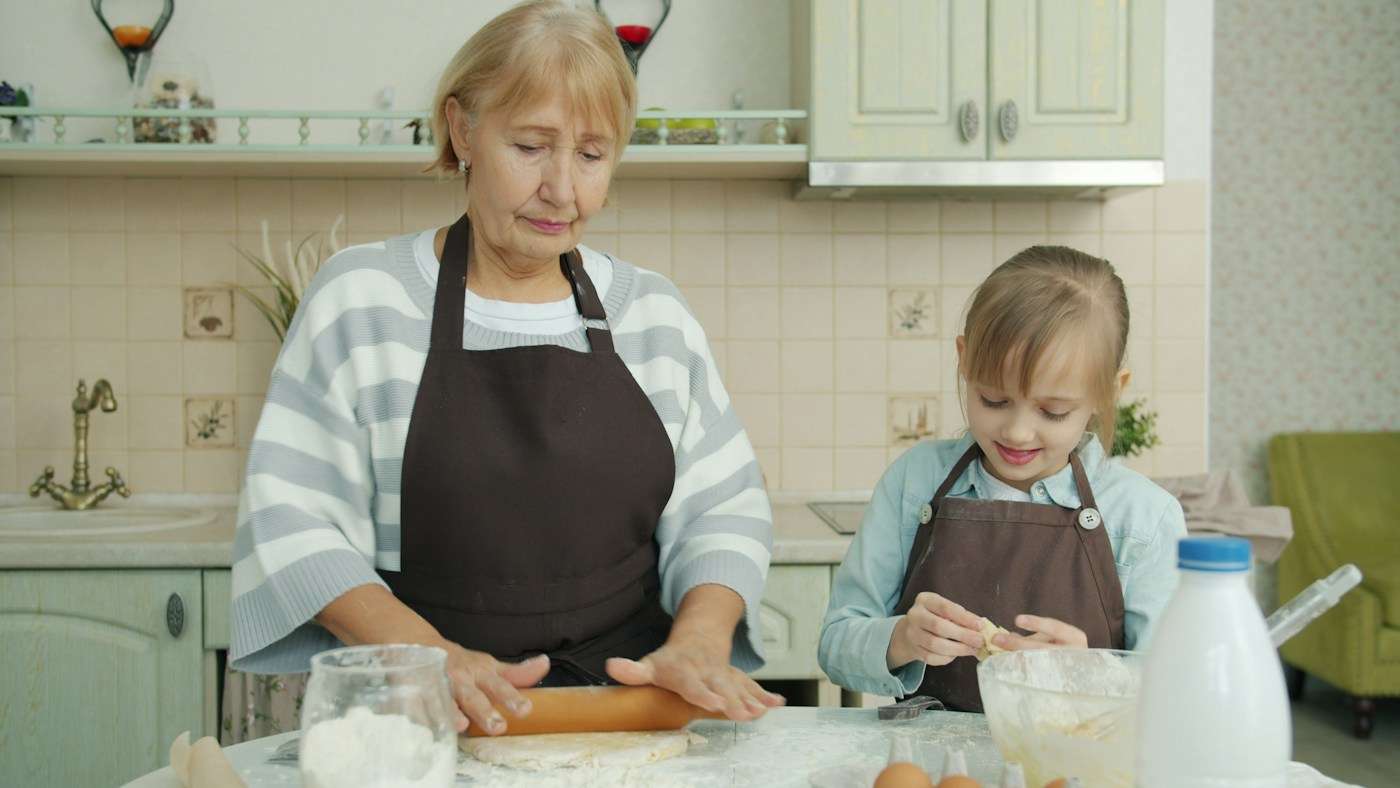
“Can grandma take them in half-term?”
Grandparents, step-parents and the babysitter are in
Helpers join for free, and holidays and closing days show which days still need an adult.
Helpers
Invite step-parents, grandparents and others with a link. You choose which children they have access to.
Access per child · Free for everyone who is not a parent · Access can be removed again
Sitter link
The babysitter gets one page with no account. It shows only what you choose, and only around the time she is babysitting.
Works from one hour before to one hour after · Can be closed at any time
Holidays and closing days
Add the closing days. Every weekday is either covered or a gap, and “5 days missing” is shown at the top.
Put an adult on a day in one tap · A helper only appears after saying yes

“What does she want? And who’s coming?”
Wish list and birthday invitations with replies
Share the wishes with a link, and get replies to the invitation with no account.
Wish list
Write the wishes on the child’s page and share them with the family with one link. No account, no app.
“I’ll buy it” reserves once · You only see reservations if you turn it on
Birthday with replies
Send the invitation as one link. Guests reply from their phone and can change their reply.
A list with numbers and allergies · Guests do not need an account

“She has a fever. Who’s staying home?”
A sick child: one tap, and everyone knows
Who stays home, the day’s appointments are cancelled, and the others get one message.
Report a sick day
Tap “Ill” on the child’s page and choose who stays home.
From the child’s own page · In a few taps
The day’s appointments
The appointments the child cannot make are cancelled. If the child gets better, you can undo it.
Cancelled appointments can be restored
One message
The other adults around the child get one message with everything, instead of five different ones.
To those with access to the child
Built to be calm
Few taps
One main action per screen, and at most five fields in a form.
Nothing is lost
Drafts save while you write, and you can undo for 10 seconds.
Works alone
The other parent does not have to join from the start.
App lock
Open with Face ID, fingerprint or a code.
English and Danish
On iPhone, Android and the web.
Try it on your own week
Try it free for 30 daysNo card needed. For iPhone, Android and the web.